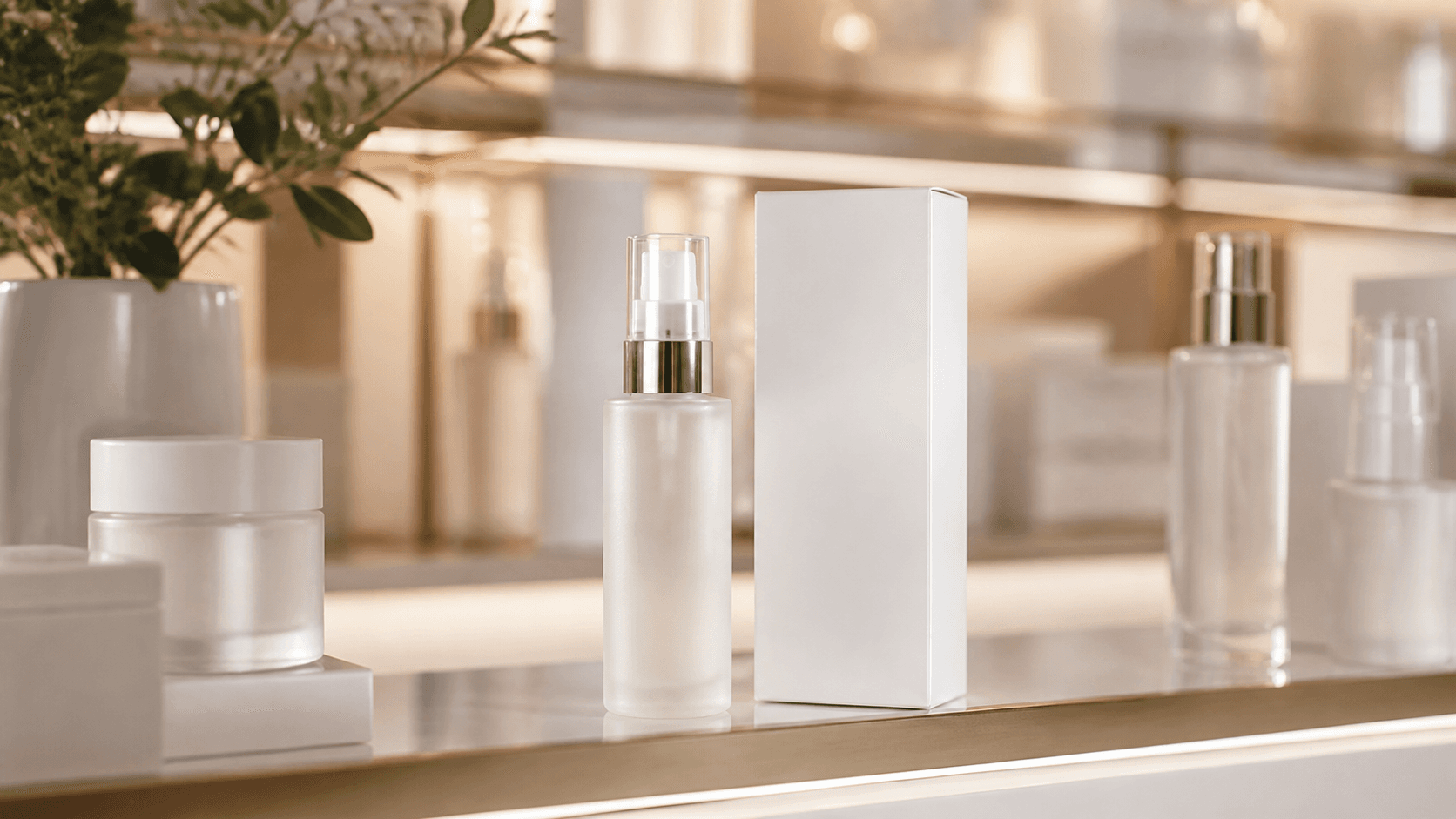
Product Campaign Rollout
Start from one hero packshot and generate launch teasers, social cutdowns, and retail mood videos with the same product identity.
Deliverables: launch teaser, paid social cut, PDP hero loop

Guide generation with image or video references to keep style, subject, and motion consistent.
Upload one reference, keep visual identity stable, and produce campaign-ready video variations for product launches, mascot series, fashion edits, and brand storytelling.
Reference
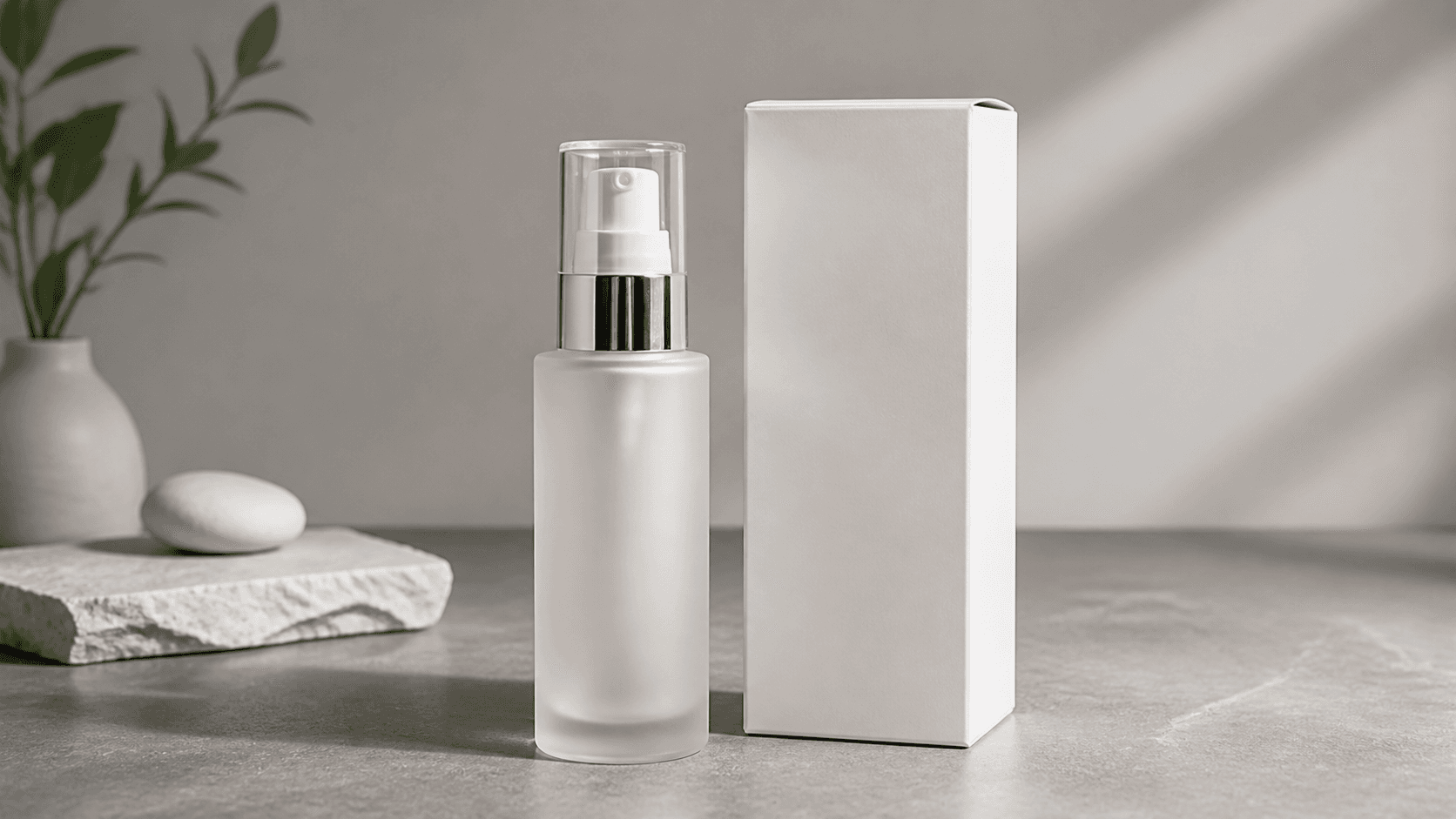
Hero SKU with brand colors, logo-safe framing, and premium texture cues.
Prompt Controls
Scene Direction
Luxury retail shelf, slow dolly-in, soft highlights, subtle particle reflections.
Consistency Priorities
Duration
8 seconds
Aspect Ratio
9:16
Generated
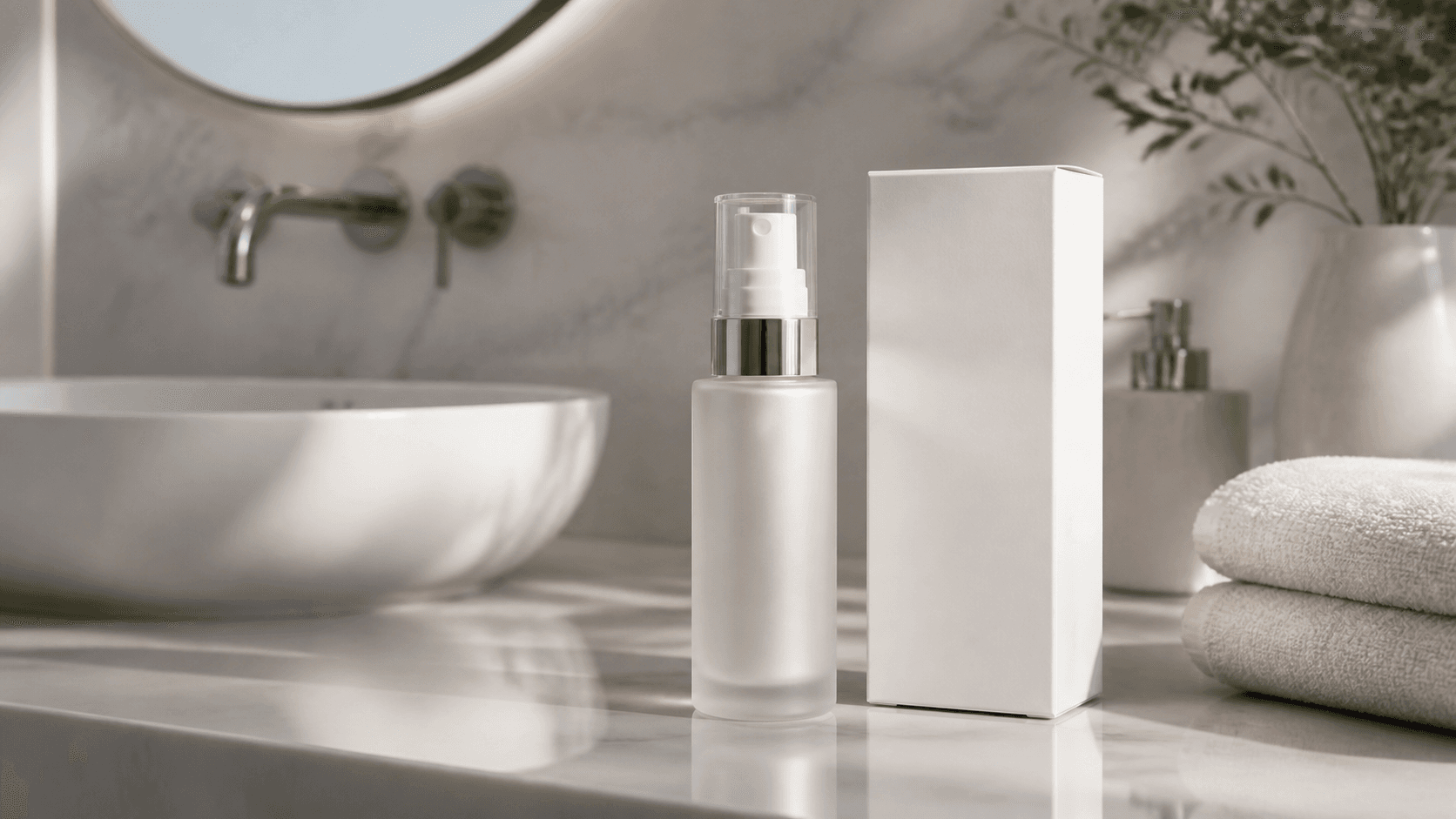
Variations stay on-brand while adapting camera motion and scene styling.
Built for teams that need repeatable outputs, not one-off experiments.
Start from one hero packshot and generate launch teasers, social cutdowns, and retail mood videos with the same product identity.
Deliverables: launch teaser, paid social cut, PDP hero loop
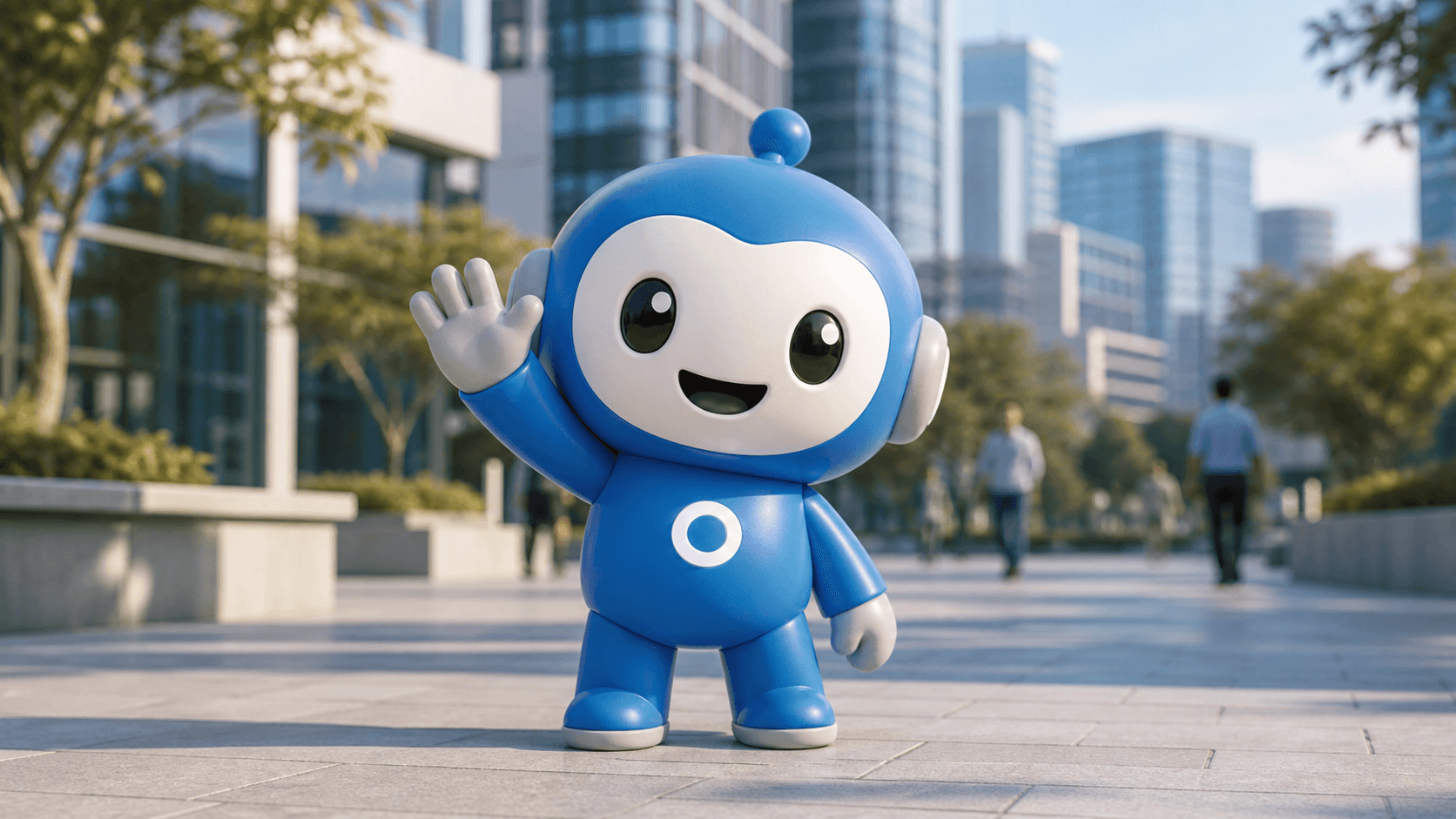
Keep your mascot face, proportions, and color details stable while placing it in episodic scenes for weekly content drops.
Deliverables: 3-episode short series, hook variants, thumbnail loops
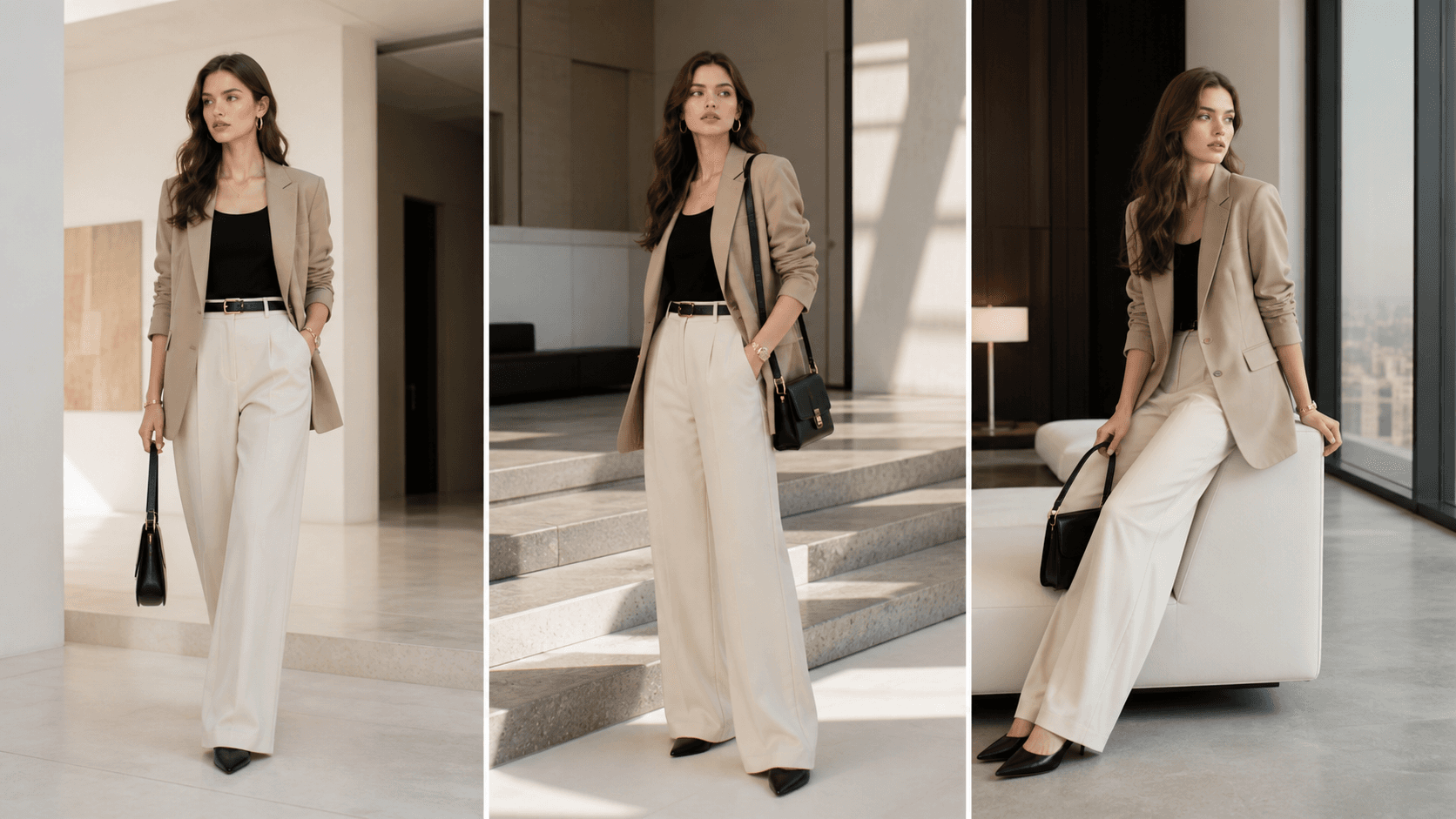
Use one reference look and create cohesive runway edits, backstage moments, and storefront visuals without style drift.
Deliverables: lookbook motion set, vertical reels, hero landing loop
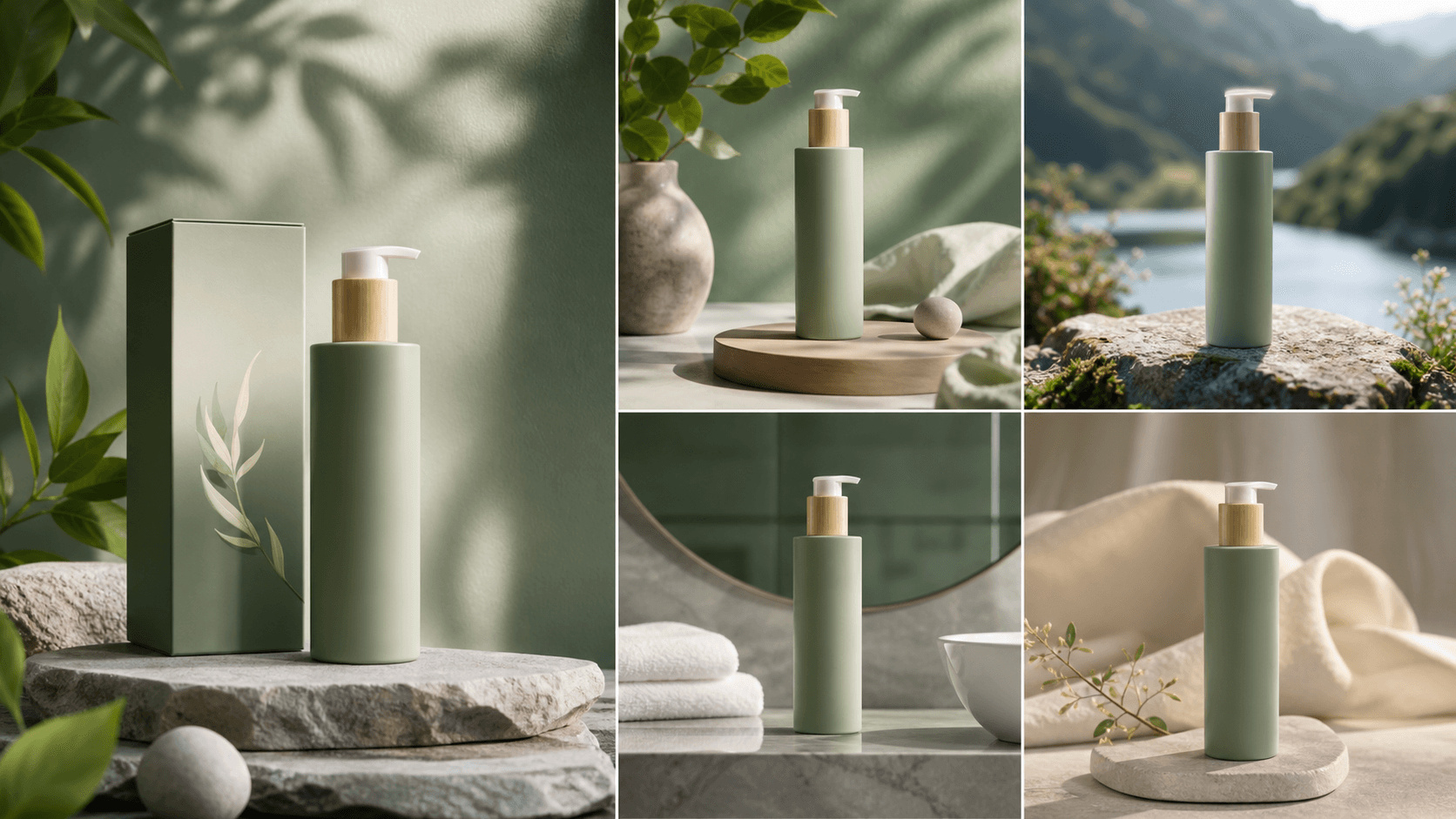
Adapt the same visual DNA for different regions and channels while preserving the brand's tone, palette, and material feel.
Deliverables: market-specific edits, seasonal drops, localization pack
Practical workflows teams run every week with reference-to-video.
Generate multiple ad scenes while keeping shape, label layout, and premium material cues consistent across every cut.
A clean workflow built for marketing teams that need reliable identity consistency.
Start with a product, mascot, model, or style frame that defines the identity you need to preserve.
Describe what must stay fixed and what can vary, including camera motion, environment, and lighting mood.
Create multiple outputs with stable visual DNA for campaign testing, localization, and channel adaptation.
Pick the best takes and export ready-to-use videos for paid social, lookbooks, or brand storytelling.
Built to keep consistency high while creative options stay flexible.
Keep products, mascots, and signature style elements recognizable even when scenes and camera language change.
Apply your established art direction across multiple outputs while preserving tone, color behavior, and material feel.
Use reference input for what should stay fixed and prompt instructions for what should evolve in each variation.
Generate campaign-ready alternatives quickly for A/B testing, localization, and cross-platform publishing.
Build your full AI video workflow with creation, control, and editing tools.