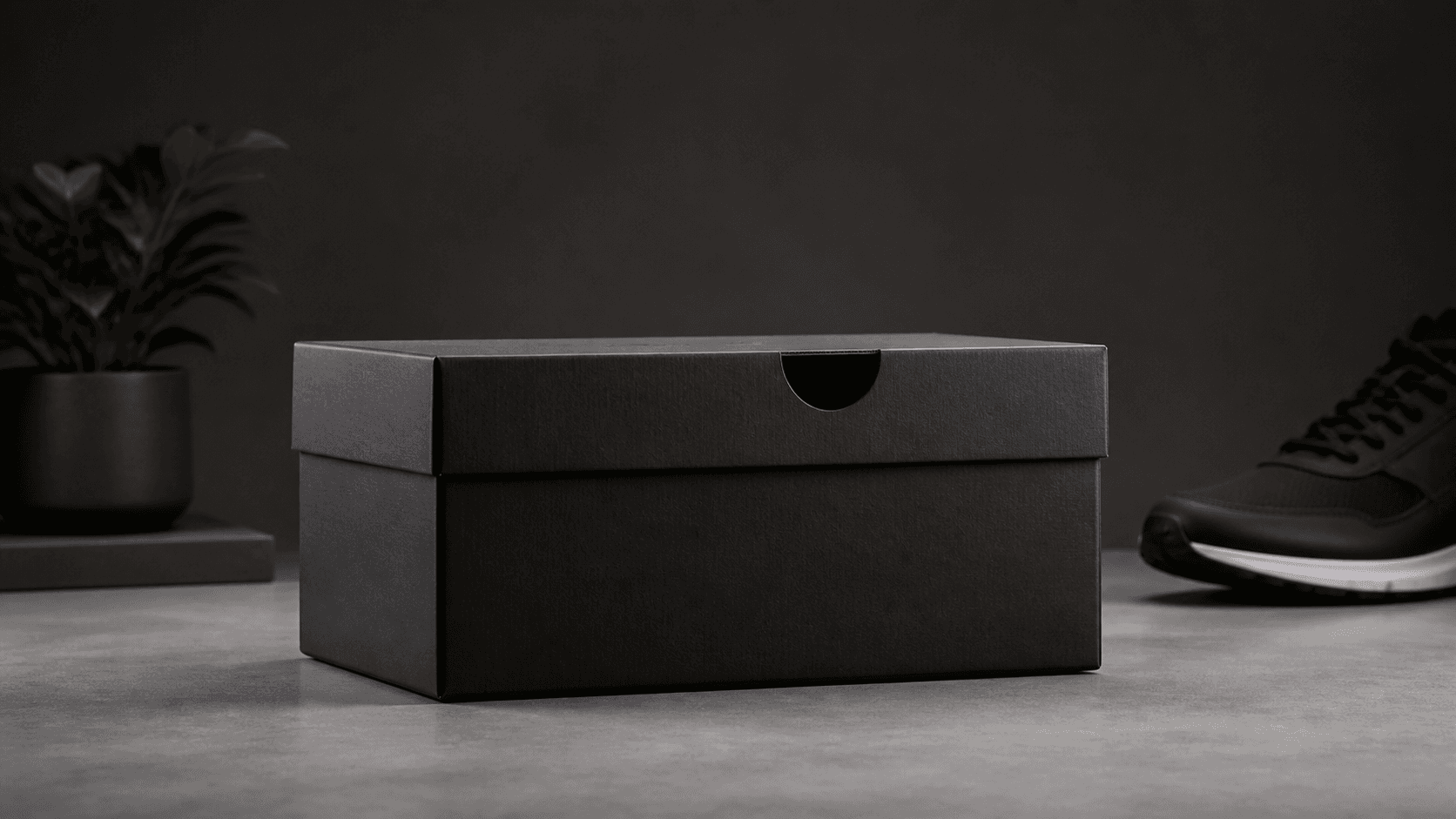
Start Frame
Set the composition
Lock the first camera angle and subject placement.


Control both start and end frames, then let AI generate smooth cinematic motion between them.
Build cleaner transitions with frame-based direction. Define where the shot starts, shape the movement, and lock the final composition for product, character, and cinematic scenes.
Start Frame
Lock the first camera angle and subject placement.
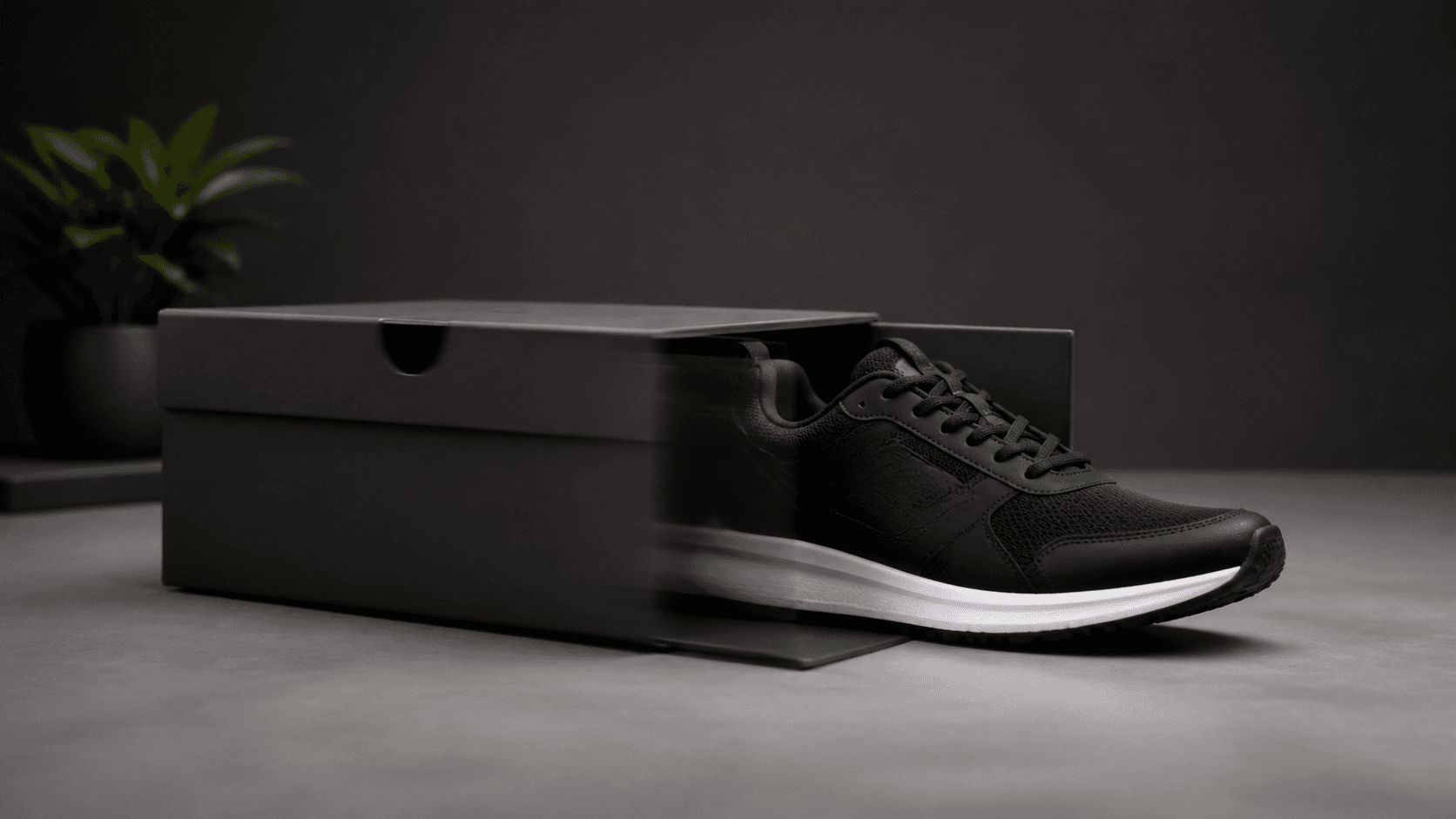
Motion
Animate the in-between path with stable object continuity.
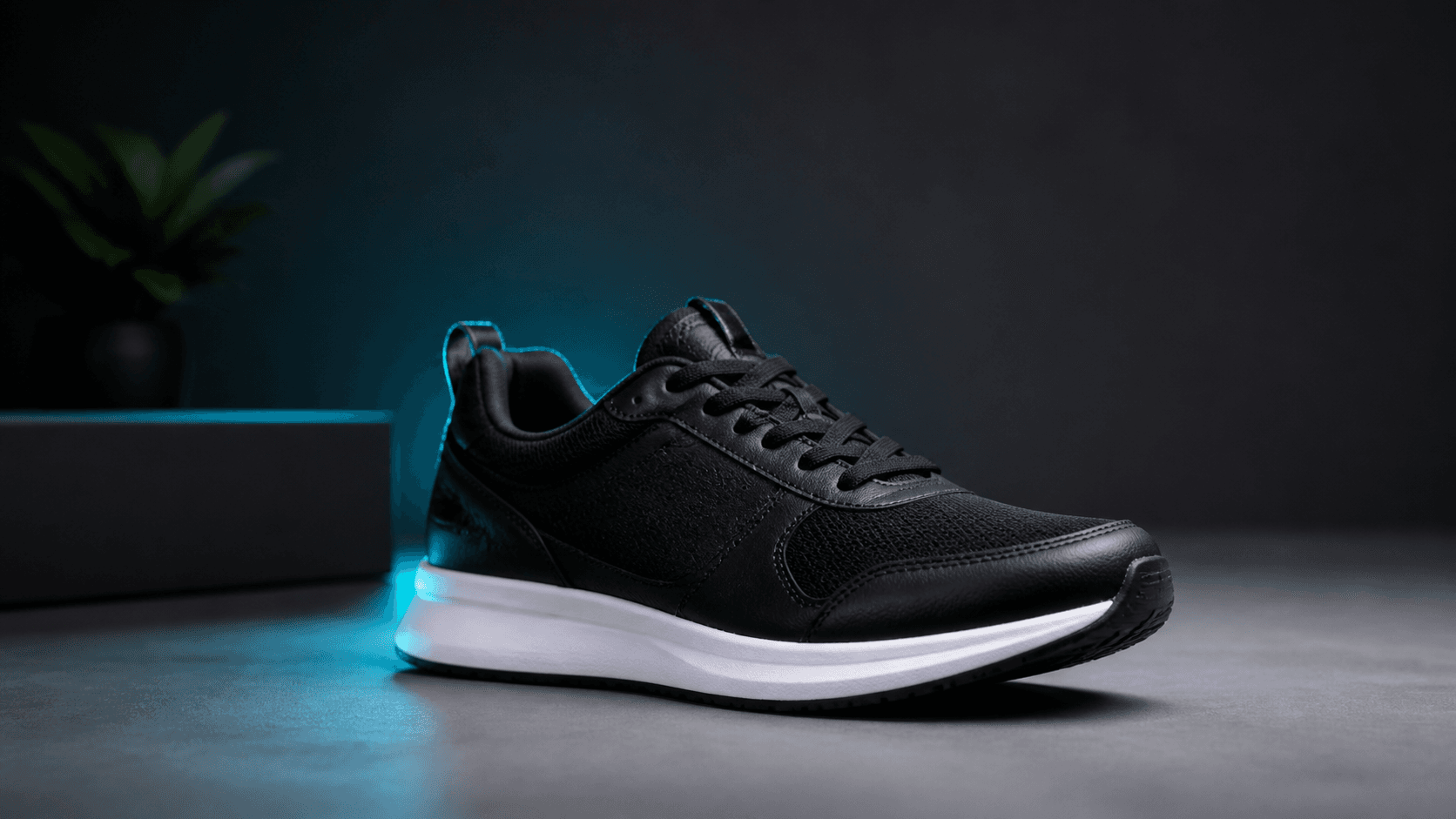
End Frame
Finish with the exact final shot your edit needs.
These are practical frames-to-video jobs creators and marketing teams use to ship campaigns faster.
 Ecommerce
Move from package close-up to hero angle for launch creatives and PDP video headers.
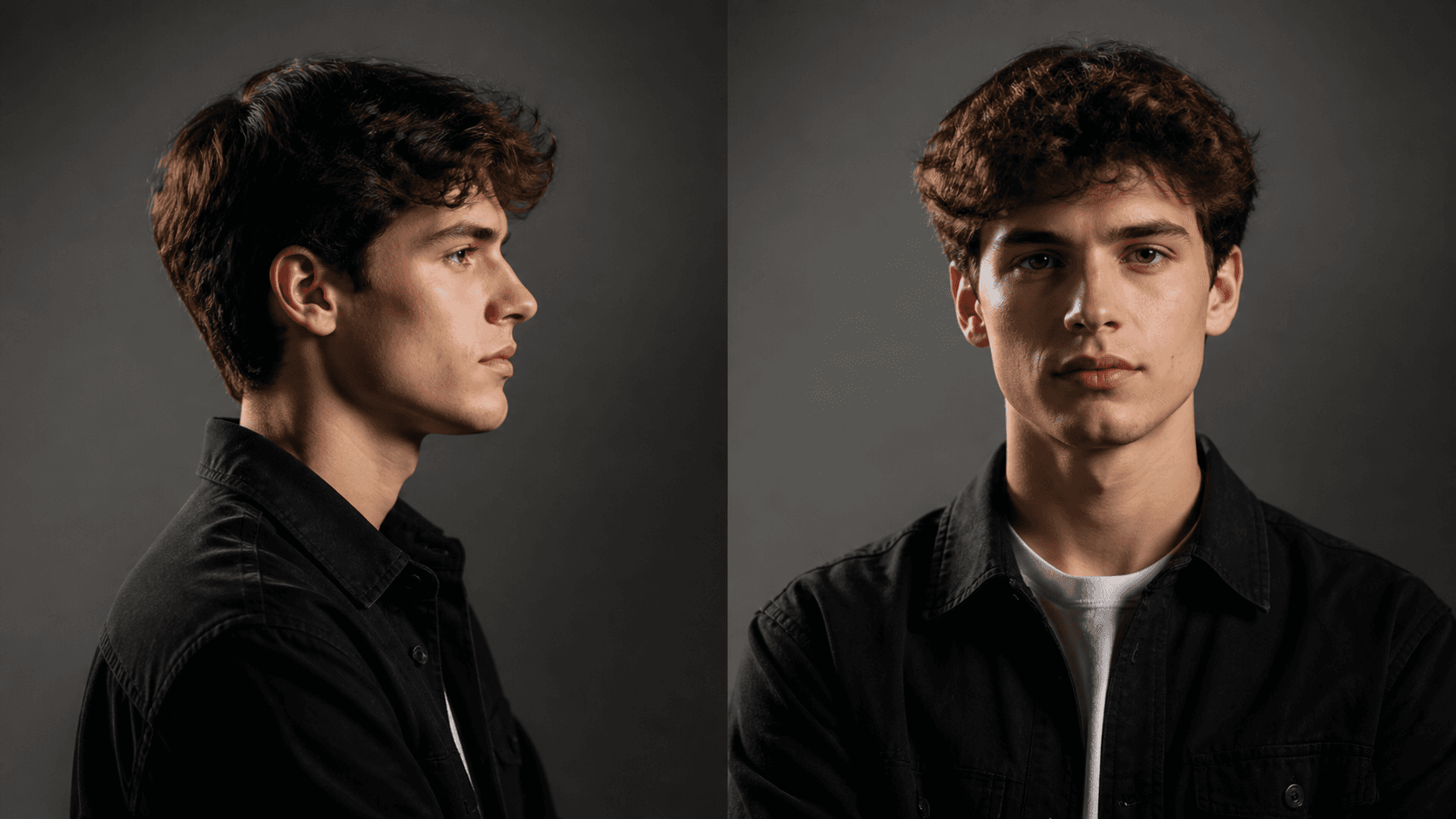 Creator
Guide face direction and body orientation from profile to front-facing talking shot.
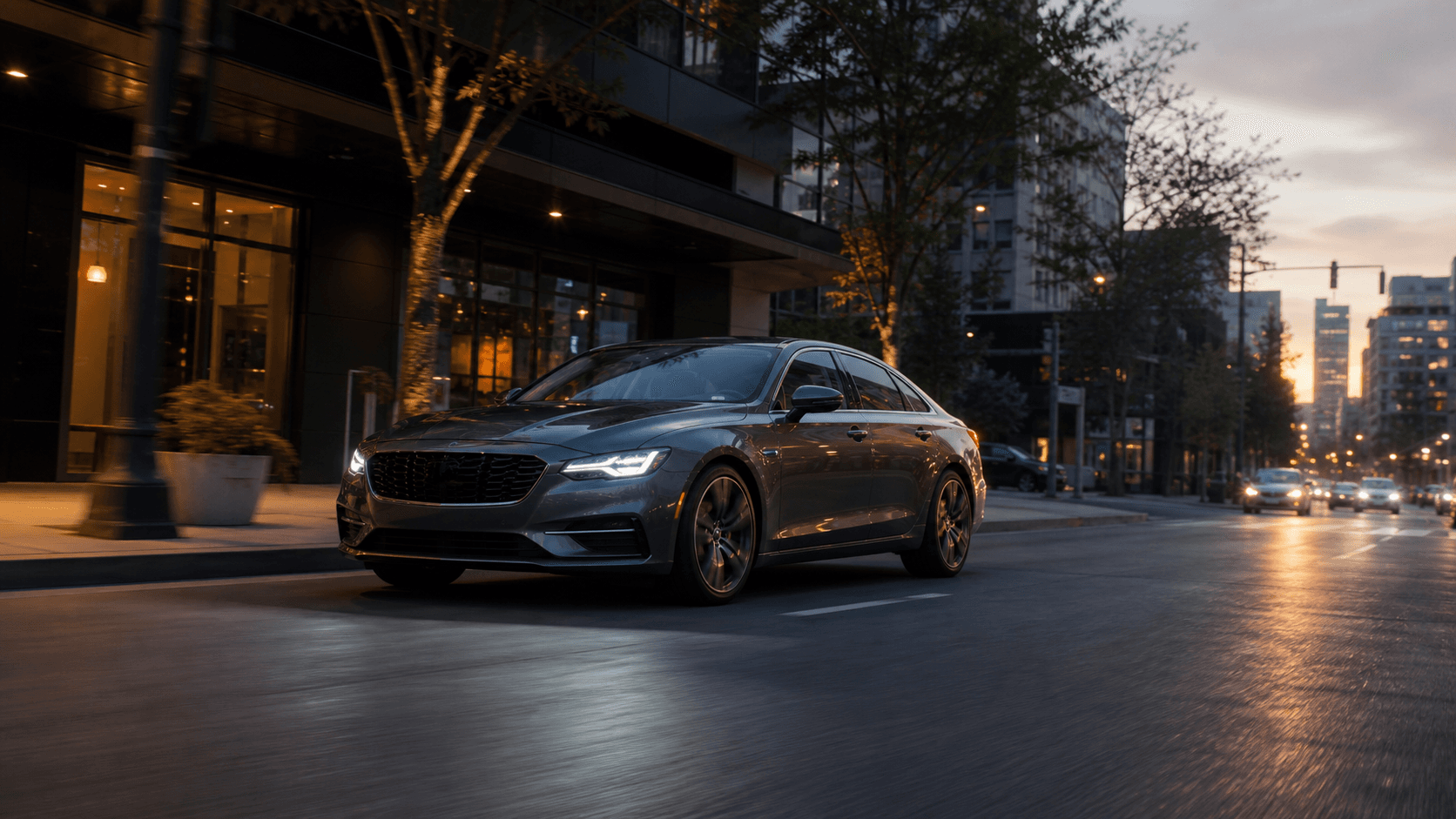 Automotive
Start parked and finish in motion for social teasers, model highlights, and ad cuts.
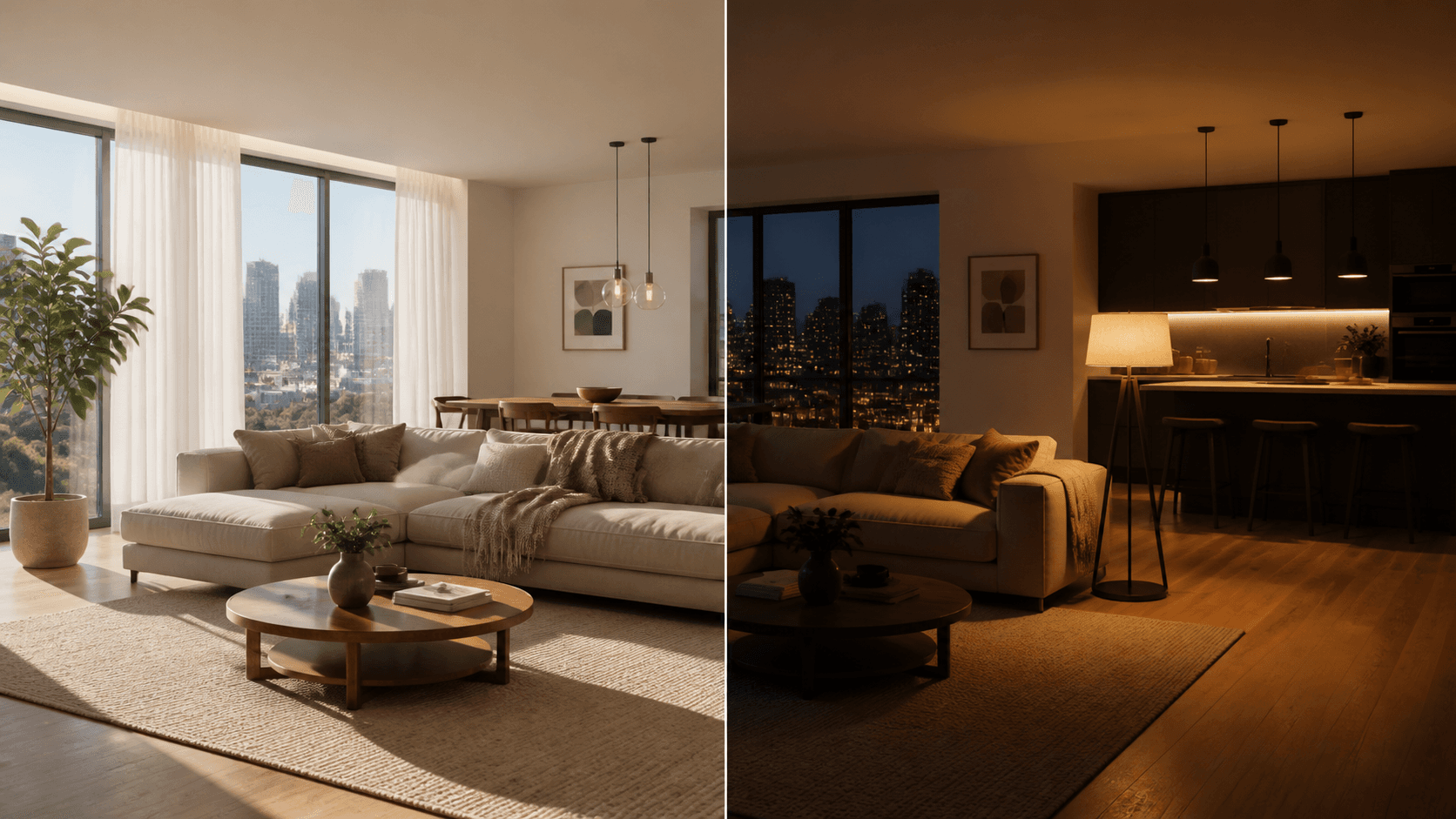 Property
Transition daytime layout into warm evening ambiance for real estate and hospitality.
Use case templates focus on output teams actually need: product reveals, character turns, car motion, and interior mood transitions.
Define start and end composition to produce cleaner reveal shots for ecommerce launches and performance ads.
Turn static frames into directed motion clips in four fast steps.
Set the opening and final shots you want the model to connect.
Add prompt guidance for camera movement, speed, and subject behavior.
AI interpolates the scene and creates a smooth motion sequence.
Download and drop into ads, social edits, product pages, and reels.
Better shot control with less manual keyframing, tuned for real production velocity.
Define the first and last keyframes so creative teams can hit exact scene intent.
Generate natural transitions that avoid abrupt jumps and preserve visual flow.
Keep product details, character identity, and layout stability across motion.
Ship multiple motion options quickly for ads, socials, and narrative edits.
Combine frames-to-video with generation and editing tools to ship content faster.