
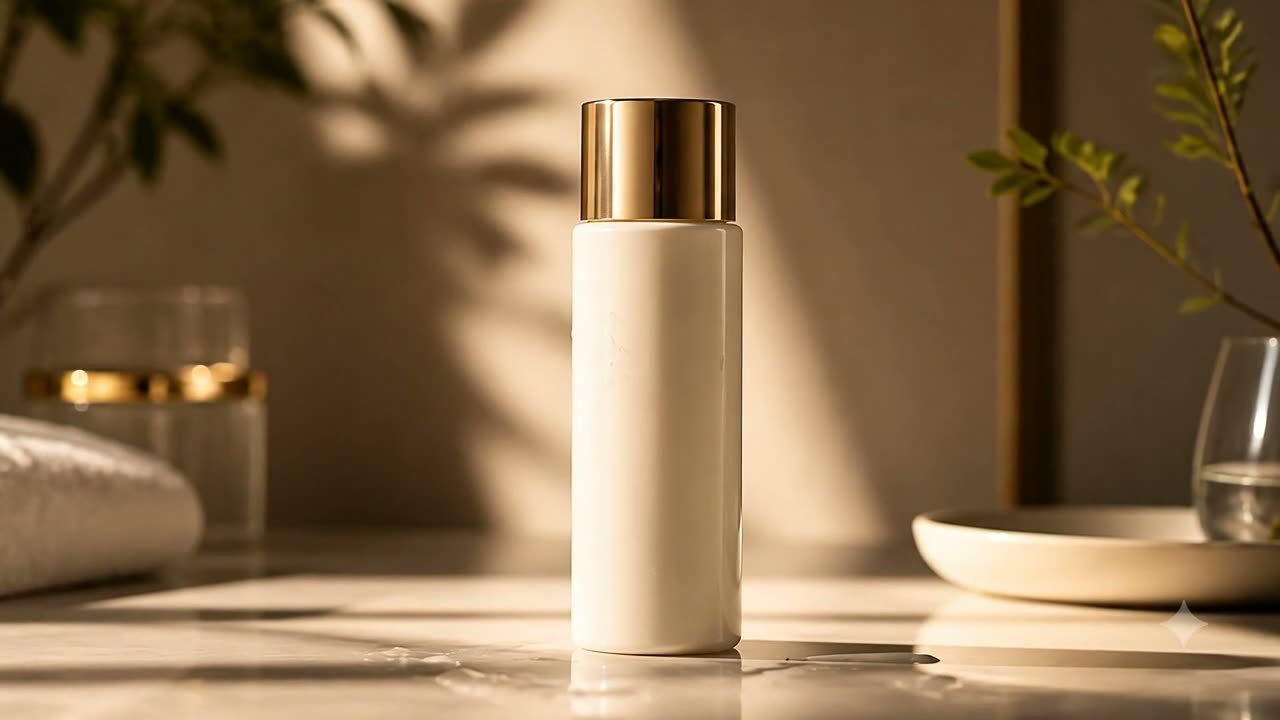
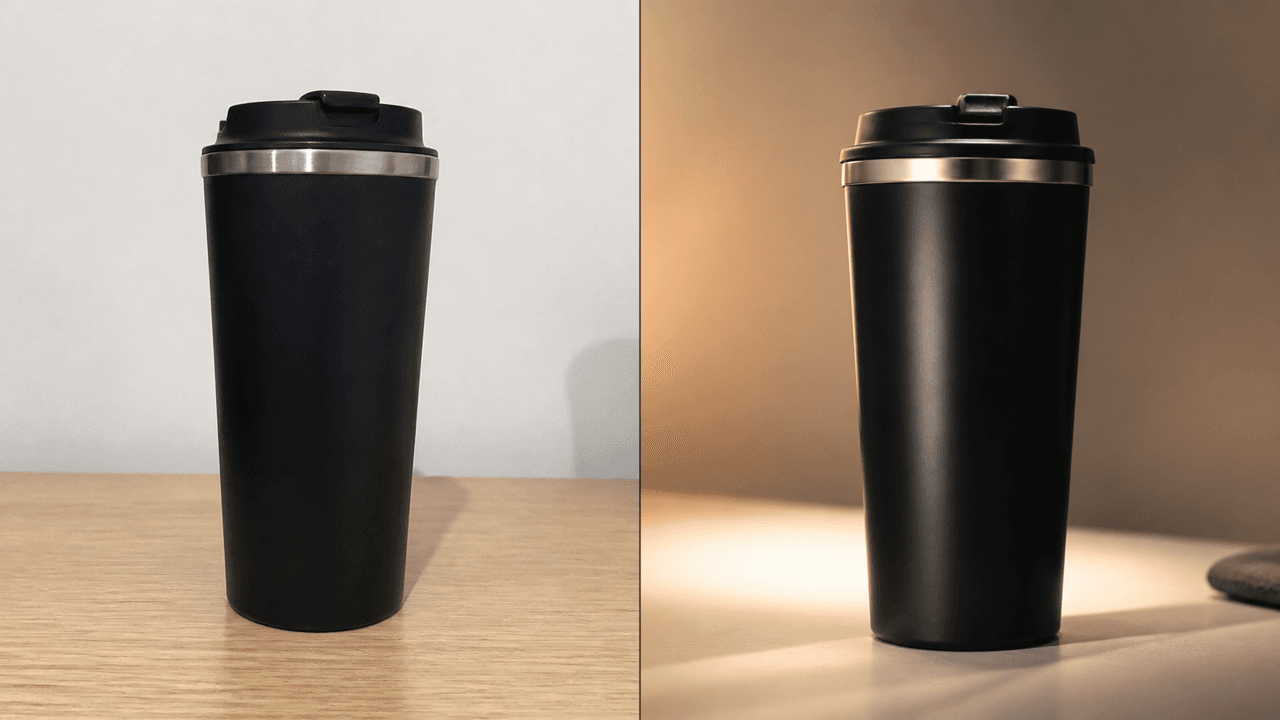
Before
After
16:9
Product Ad Upgrade
Keep subject and camera path; upgrade commercial lighting and texture.

Lade ein Quellvideo hoch und ändere Stil, Licht und Szenenstimmung per Prompt-basierter KI-Bearbeitung.
Edit videos with prompts instead of timeline-heavy workflows. Keep your original story, then upgrade it for ads, social, and brand campaigns in minutes.
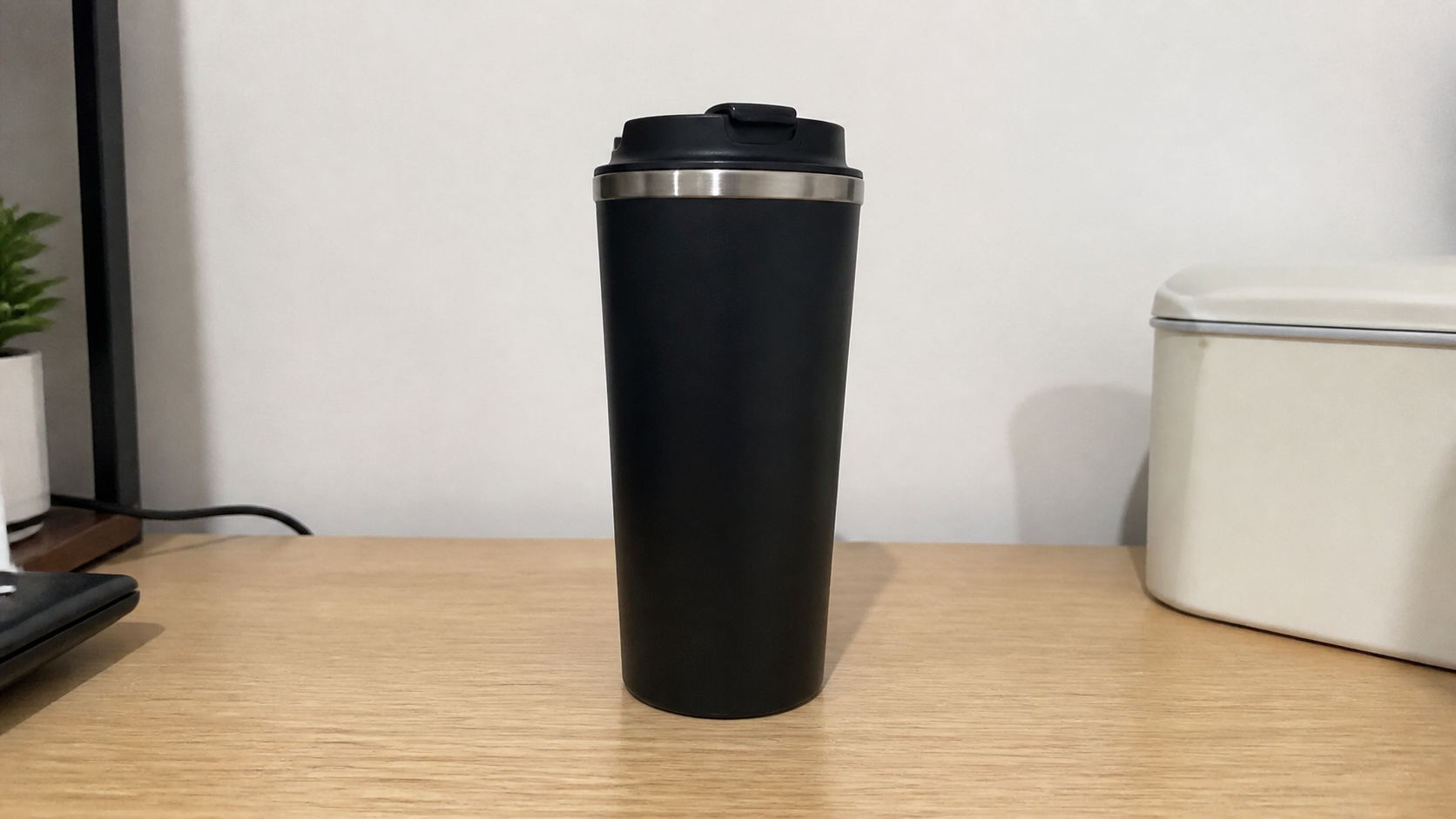
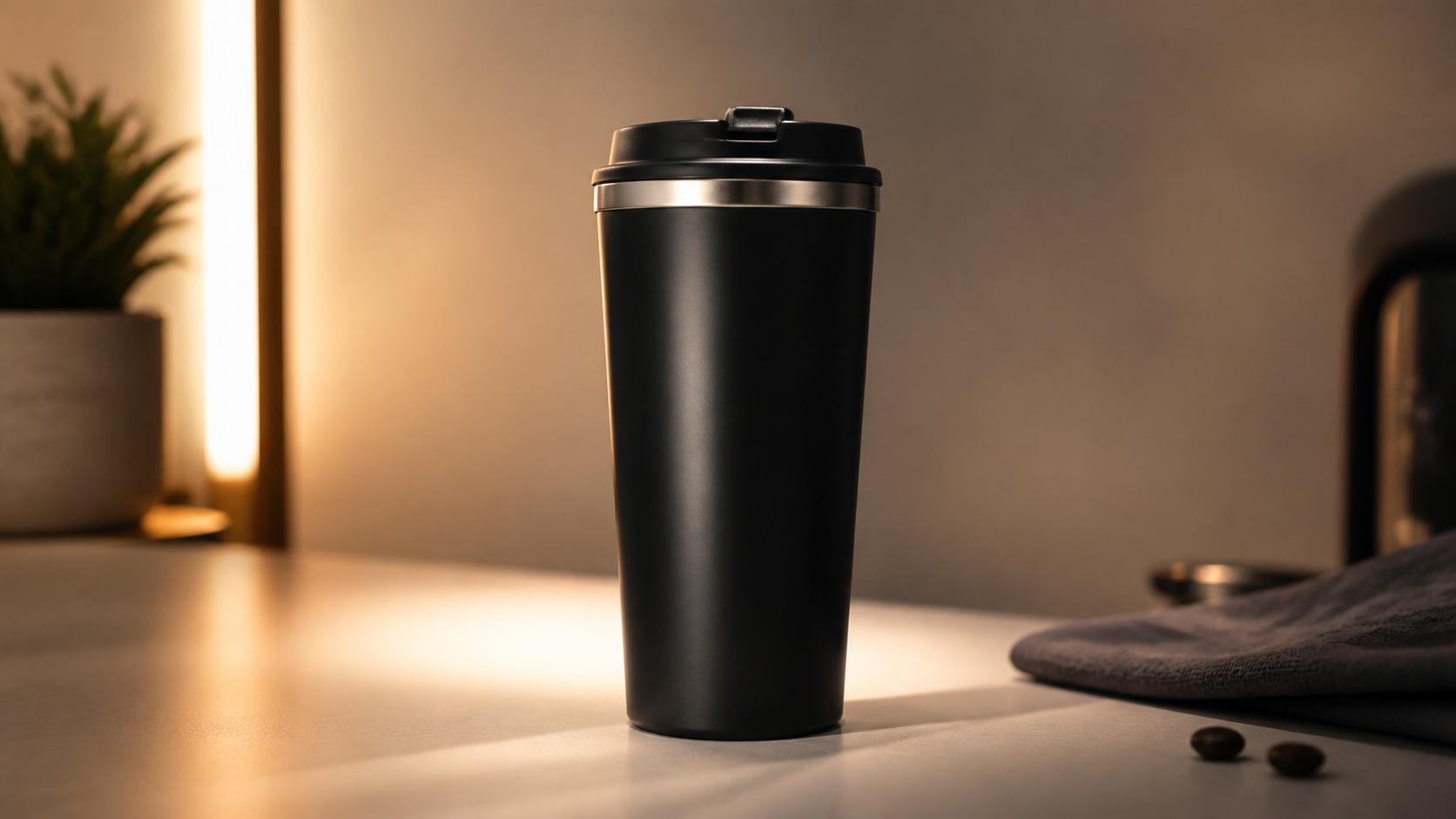
Using your actual assets: 2 landscape + 3 portrait. Main frame is After, top-left inset is Before.
Keep subject and camera path; upgrade commercial lighting and texture.
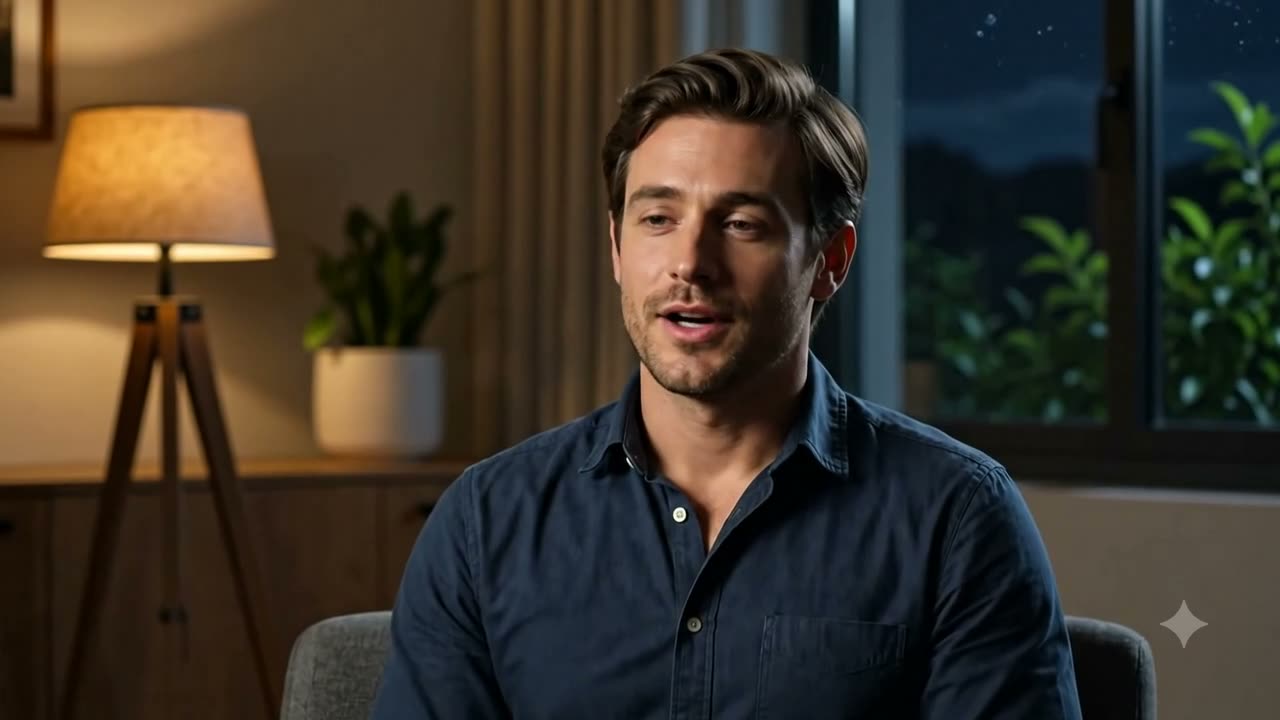
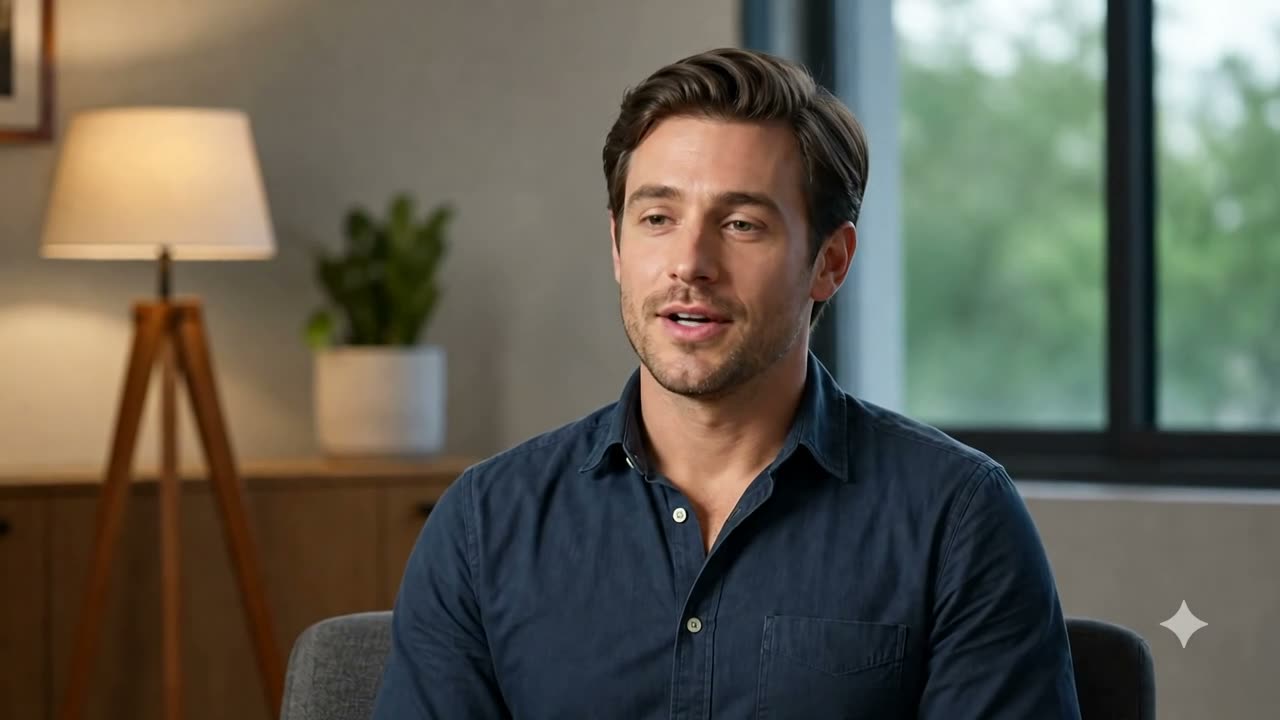
Preserve framing and motion; convert daylight mood into night tone.
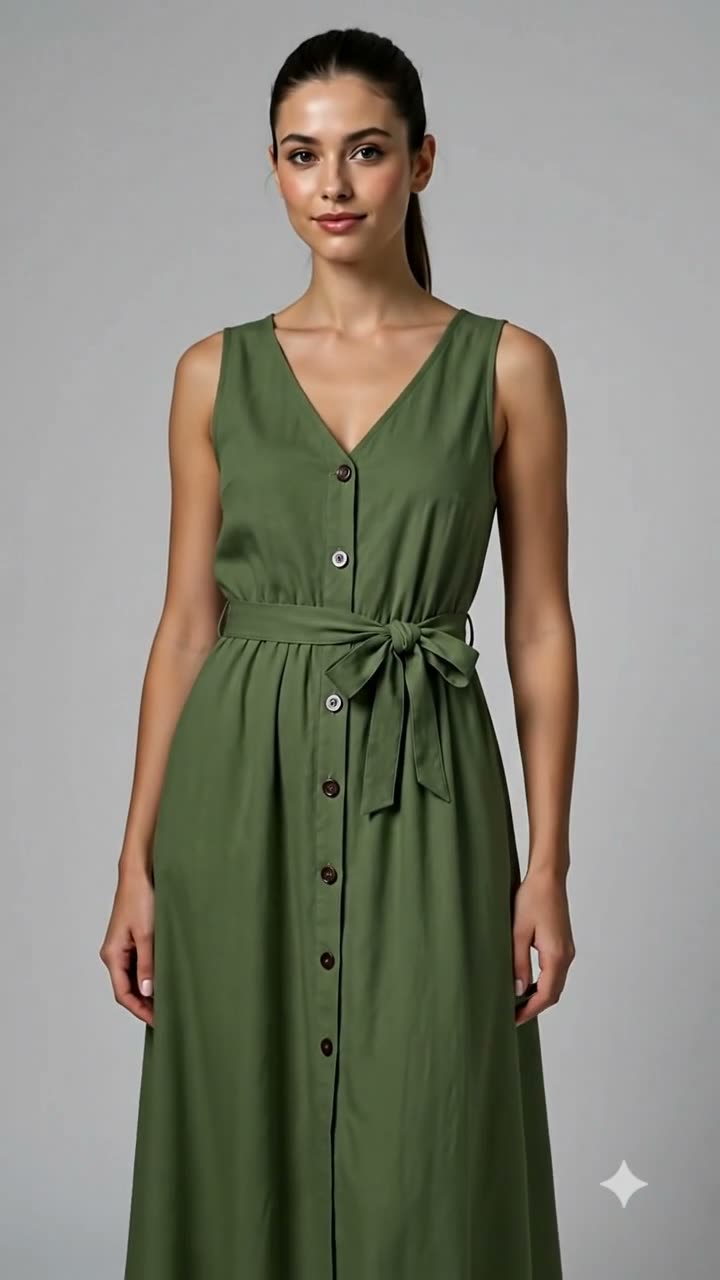
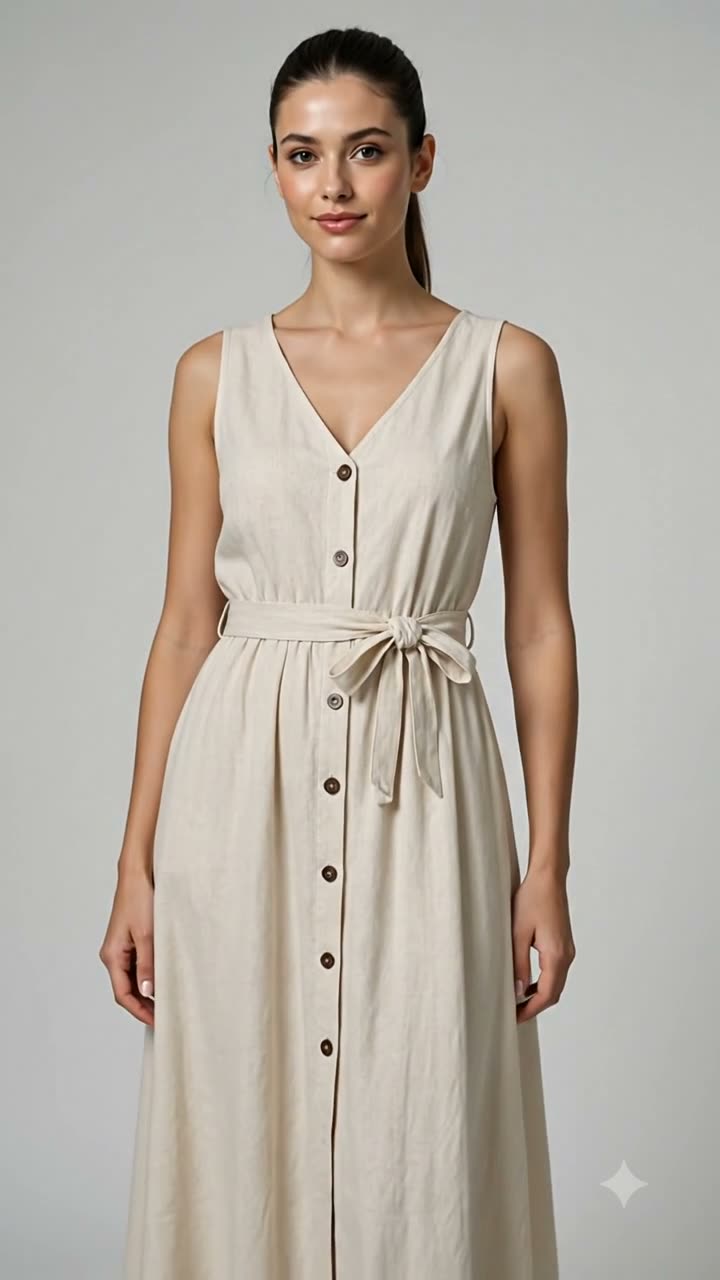
Keep identity and motion; apply explicit outfit recolor.
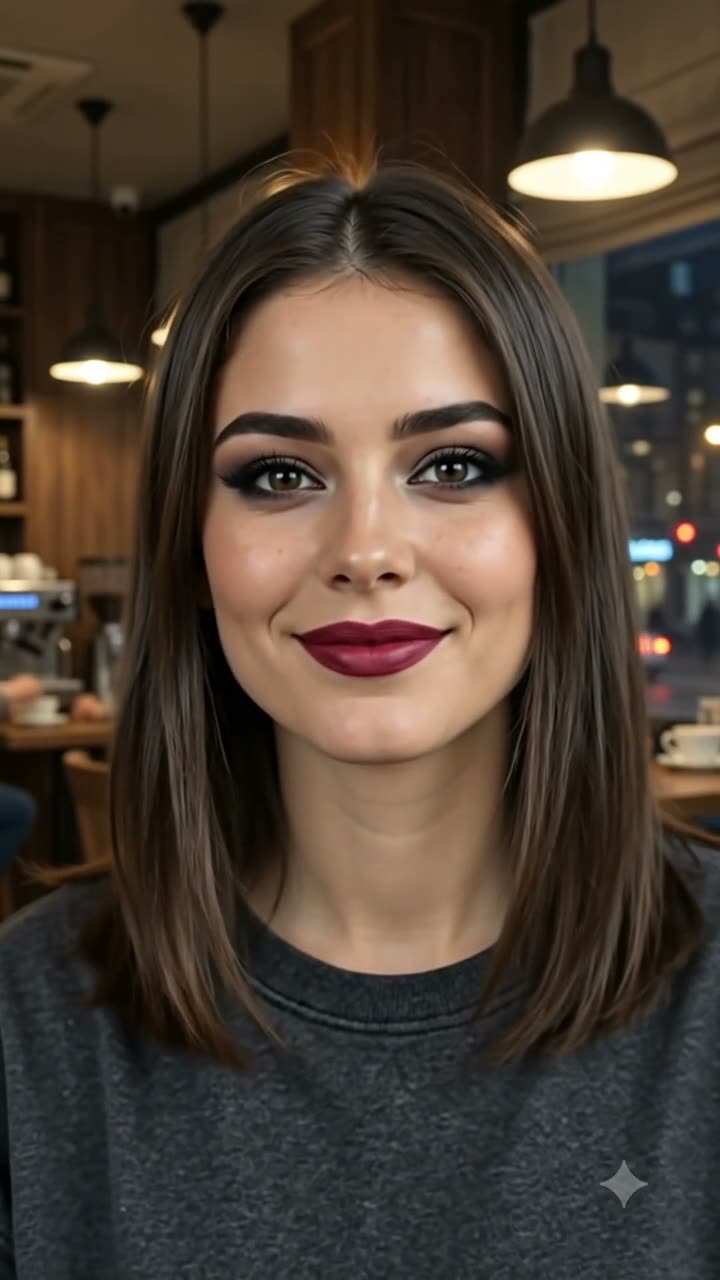
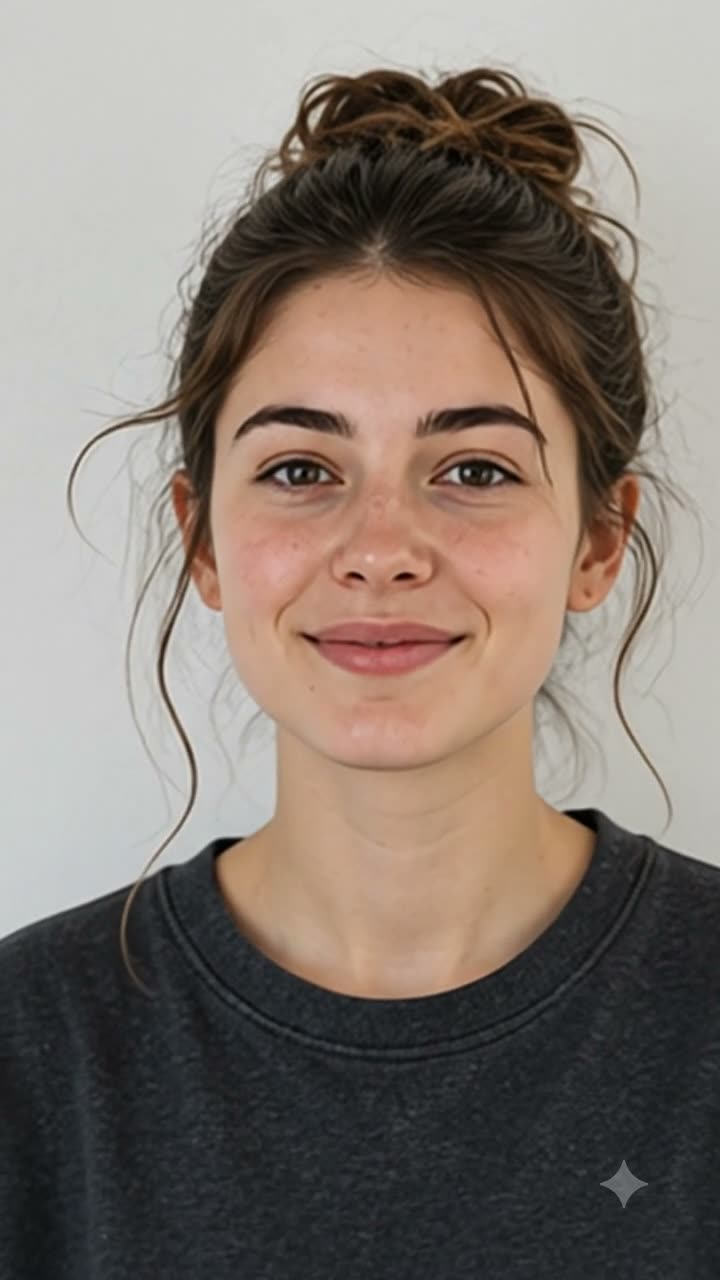
Preserve identity; strengthen key light, contrast, and separation.
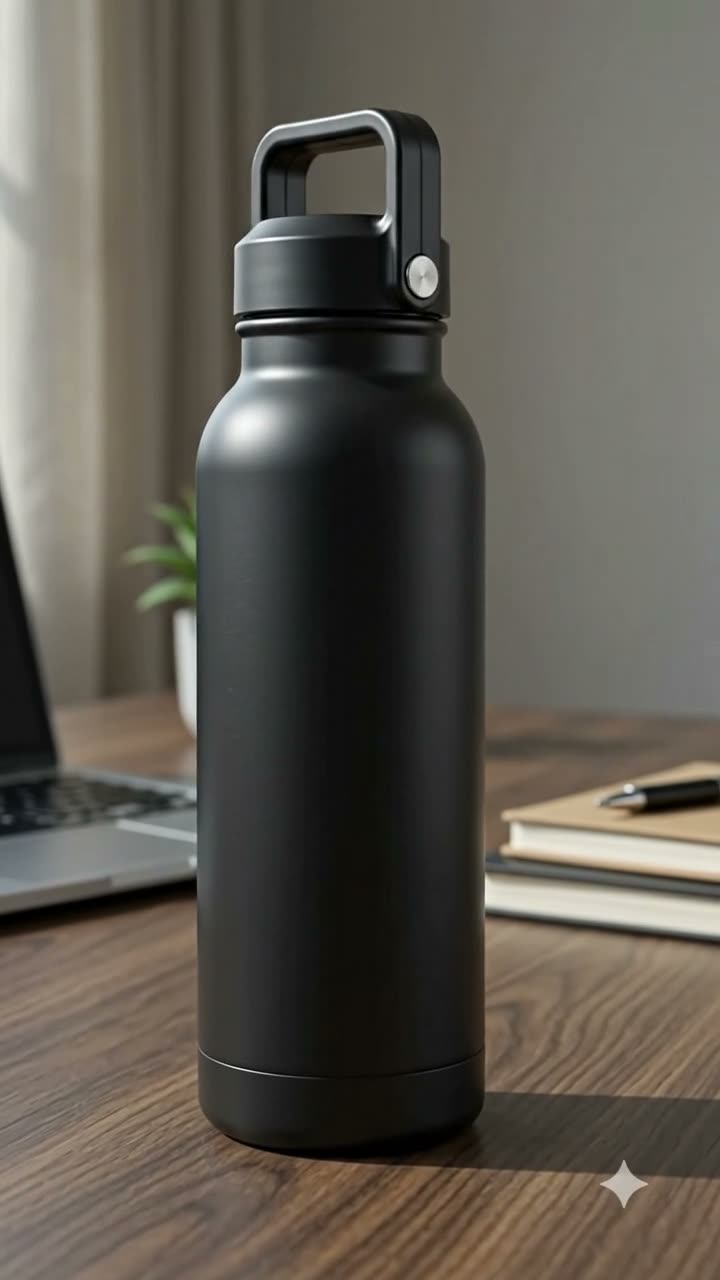
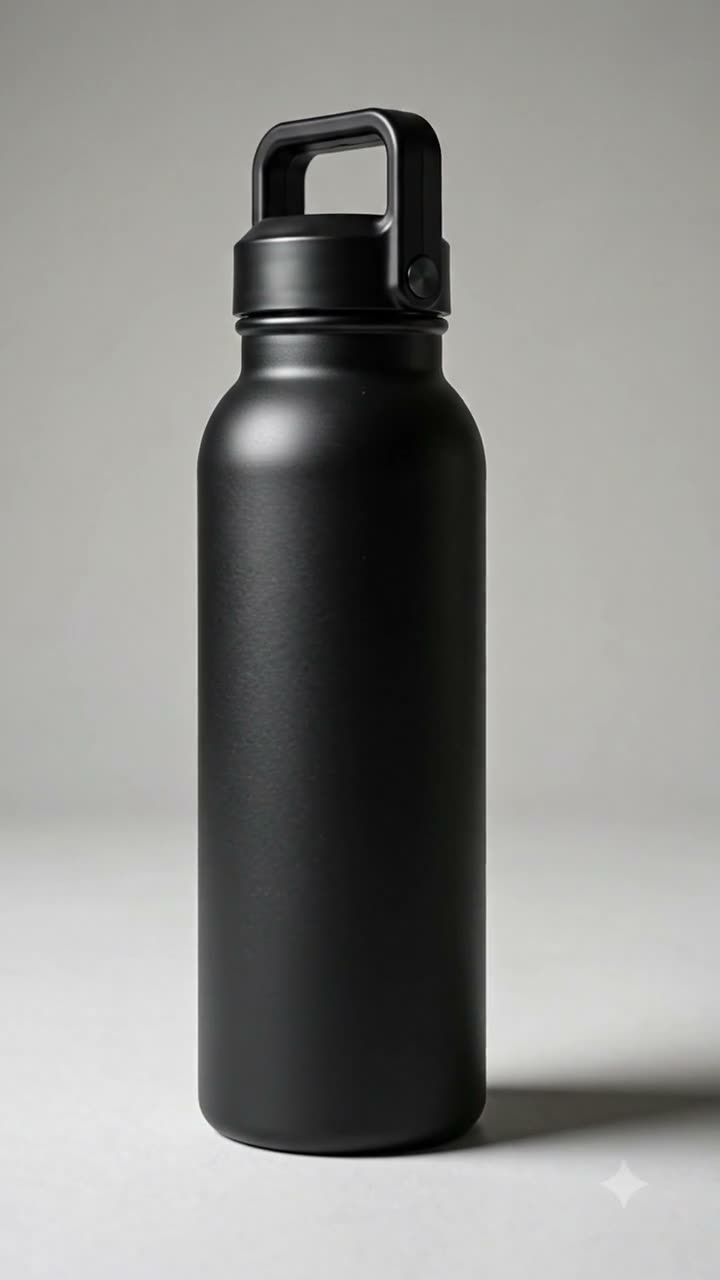
Lock subject and motion; replace scene with consistent light direction.
Designed for how modern teams actually edit and deliver video every week.
Creative teams can take one baseline product clip and create multiple ad-ready variants for paid channels.
Four simple steps to turn raw footage into publish-ready edits.
Schritt 1
Drop in the original clip you want to transform.
Schritt 2
Write clear instructions like lighting cleanup, vertical cut, or style change.
Schritt 3
Run AI edits and preview multiple variants quickly.
Schritt 4
Export your selected version for ads, socials, or launch pages.
Built for real production loops where teams need quality, speed, and repeatability.
Describe the change in plain English and generate revised footage without deep timeline operations.
Convert landscape sources into vertical deliverables while keeping the subject centered and readable.
Improve harsh shadows, color inconsistency, and noisy footage for a cleaner final look.
Create seasonal versions, channel-specific styles, and quick alternatives from one source clip.
Continue your workflow with generation and control tools across the platform.